ToolForge Login Redirect
What it does
Redirect users immediately after login based on username or role.
Rules match users by username or role and redirect them to a target URL.
Example
Send subscribers to a members area while admins stay in the dashboard.
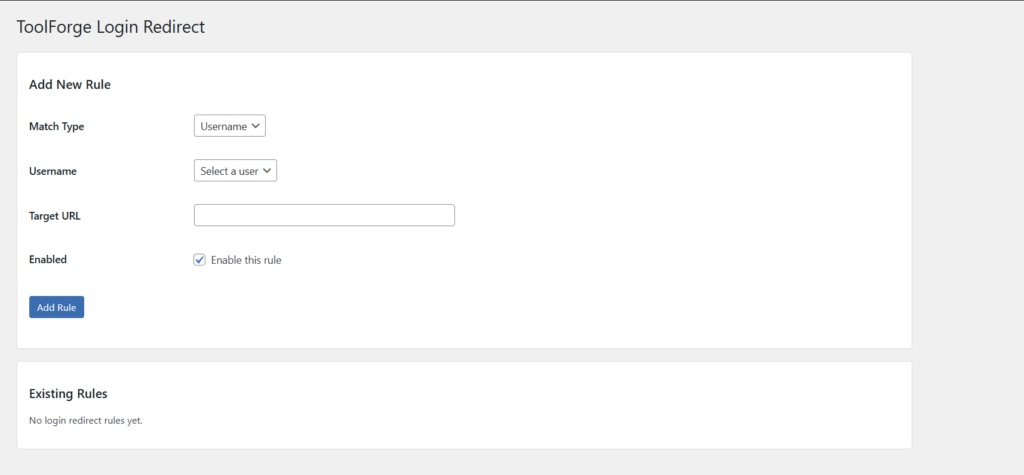
Simple login redirect rule management inside WordPress
Key Features
- Username-based login redirects
- Role-based login redirects
- Lightweight and focused
- First matching enabled rule is used
- Clean WordPress-native workflow
How to use
- Install and activate the plugin
- Go to Users → Login Redirect
- Add a new rule
- Choose whether the rule matches a username or a role
- Enter the target URL
- Enable the rule and save it
When a matching user logs in, they will be redirected automatically.
Notes
Redirects only apply immediately after login.
Rules are matched by exact username or by user role. Redirects use the first enabled matching rule.
Make sure your target URL is valid and points to the destination you actually want users to reach after signing in.
Download
Download
This plugin is currently in early testing and is not publicly downloadable yet.
If you’d like to try it, get in touch or check back soon.